
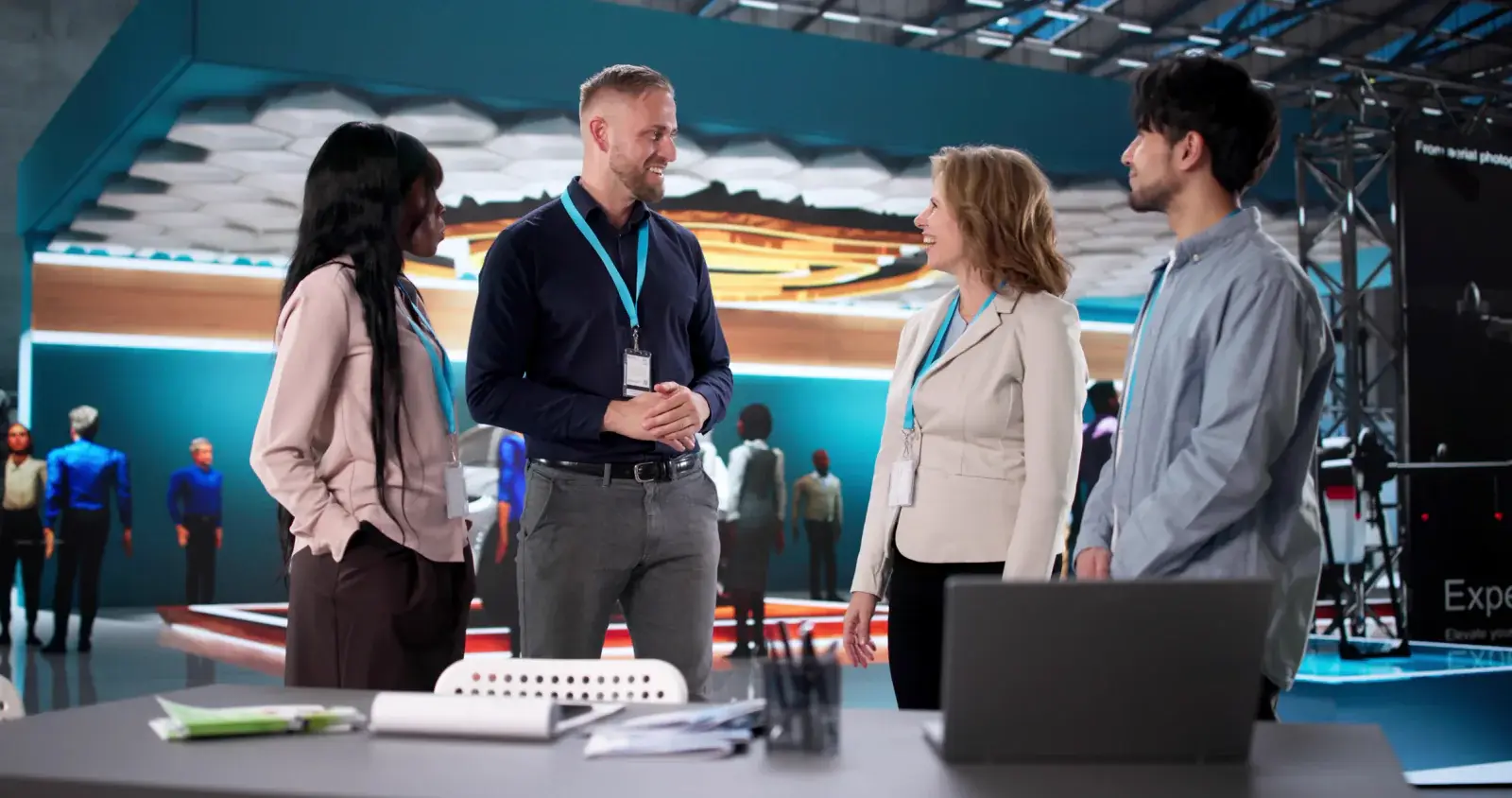
For trade show exhibitors
Booth technology for exhibitors
Rent the screens, iPads, kiosks, and charging your booth needs, delivered for move-in, and know exactly what to order from the show instead.
At a glance
Most exhibitors rent a booth screen on a stand, iPads for lead capture, and a charging station, then add a kiosk, a video wall, or connectivity as the booth grows. ConventionVendor.com rents that equipment and plans delivery around your show's move-in. Booth power, venue internet, and freight are still ordered from the show.
Starting points by booth size
| Booth | Typical rental starting point | Layout tip |
|---|---|---|
| 10x10 inline | One 50-55 inch TV on a stand, 1-2 iPads on floor or tabletop stands, a small charging station | Keep the aisle clear: a slim stand or a backwall-height screen works better than a wide display table. |
| 10x20 inline | One 65 inch TV or two smaller screens, 2-4 iPads, a charging station, a laptop for demos | Split the space: a demo or video zone on one side, conversation and lead capture on the other. |
| Corner or peninsula | A larger screen visible from two aisles, a touchscreen kiosk, 3-6 iPads | Face screens toward the busiest aisle and keep the kiosk at the open corner. |
| Island (20x20 and up) | A video wall or several large displays, kiosks, 6 or more iPads, charging, a hotspot or wired drop | Island booths often need power delivered to several points; plan where each outlet goes on your electrical order. |
Adjust for staff count and what visitors do in your booth. The booth technology checklist walks through it item by item, and the booth display size guide covers screens.
Who supplies what
What to order from the show, and what to rent
Convention centers split booth services between official providers and outside vendors. Here is how it usually divides.
| Need | Order from | What we rent for it |
|---|---|---|
| Booth power | The venue's or show's official electrical provider, through the exhibitor kit | Equipment that plugs into it: screens, kiosks, charging |
| Internet | The venue's in-house or exclusive internet provider | Devices that use it, and hotspots where the show allows them |
| Freight, carpet, furniture | The show's general service contractor | Delivery of rental equipment, planned around move-in |
| Lead retrieval license | The show's official lead retrieval provider, or your own app | iPads, stands, cases, and charging to run it |
| Booth labor and rigging | Show or venue labor, under the exhibitor manual's rules | A technician for our equipment where the show permits |
Rules vary by show and venue. See booth power and internet, exhibitor-appointed contractors, or look up your venue in our convention center guides.
Booth rentals
Equipment exhibitors rent most
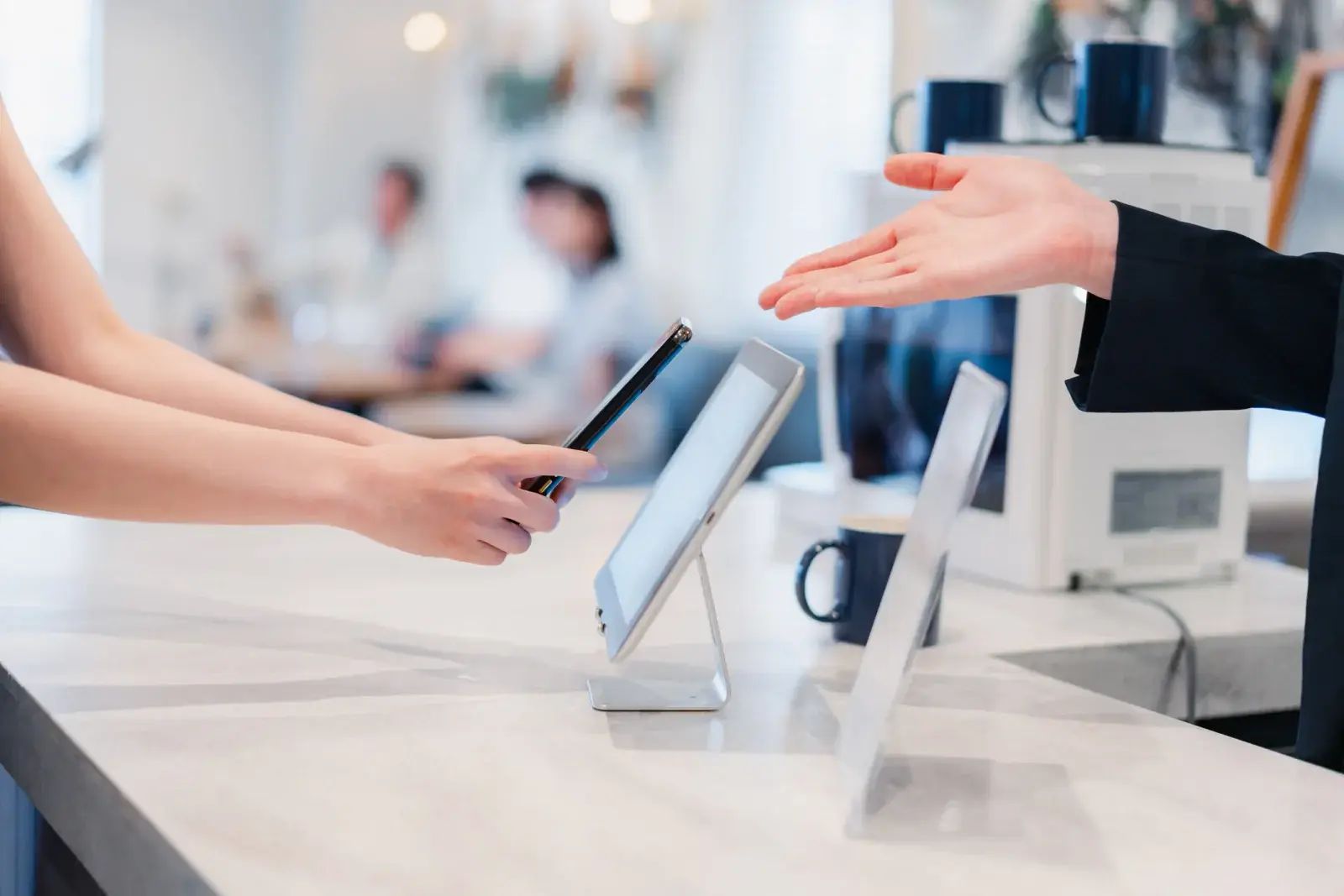 RentBooth Tech Kits: Lead Capture iPads, Screens, and ChargingiPads for lead capture, a monitor on a stand, and a charging station, packed as one kit for your booth and delivered for move-in.
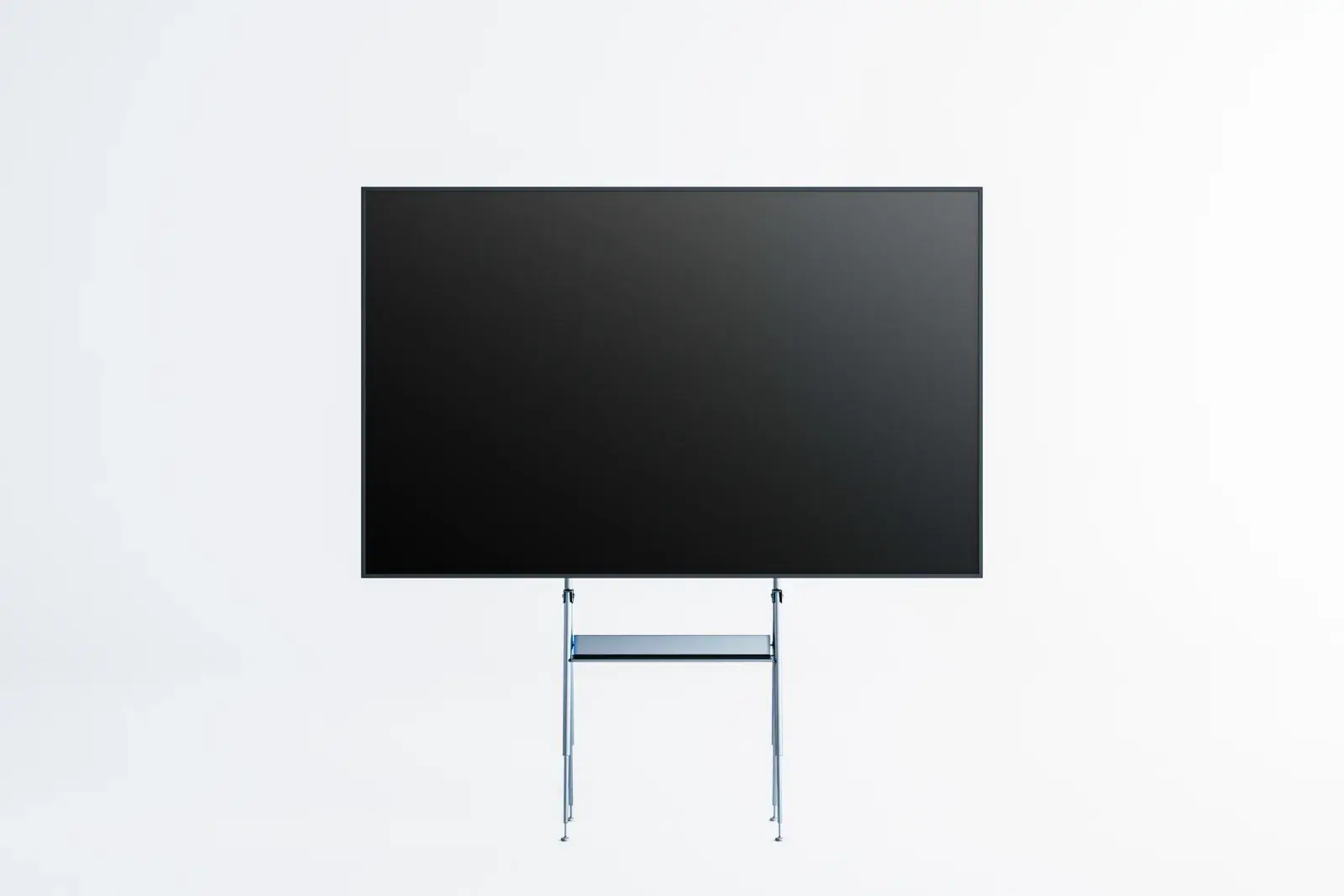 RentBooth TVs, Monitors, and Video WallsTVs and commercial displays on floor stands or truss mounts, and LCD video walls, sized so your message reads from the aisle.
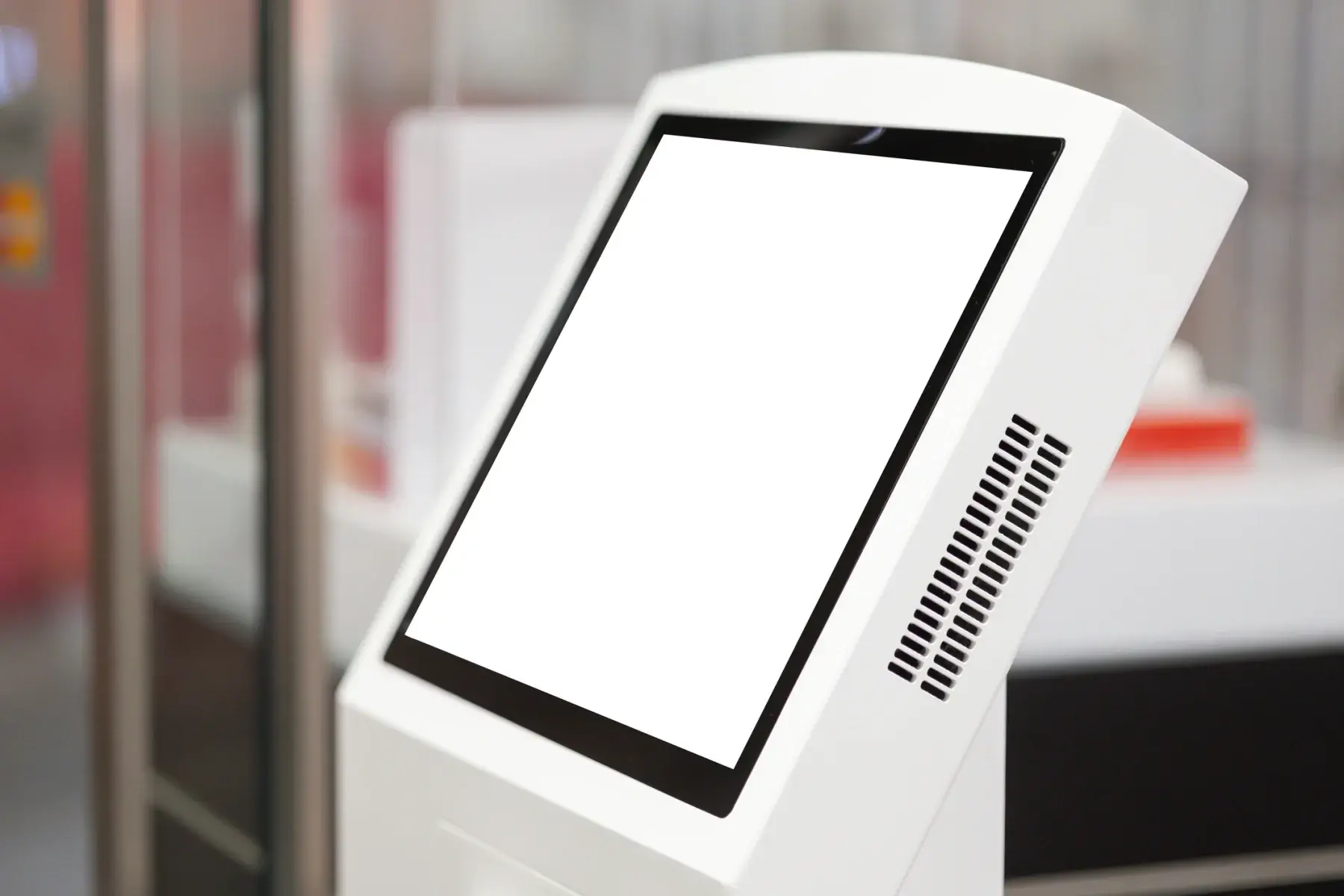 RentTouchscreen Kiosks for Booths and ShowsFreestanding touchscreen kiosks for product demos, surveys and lead forms, wayfinding, and self check-in, ready for your content.
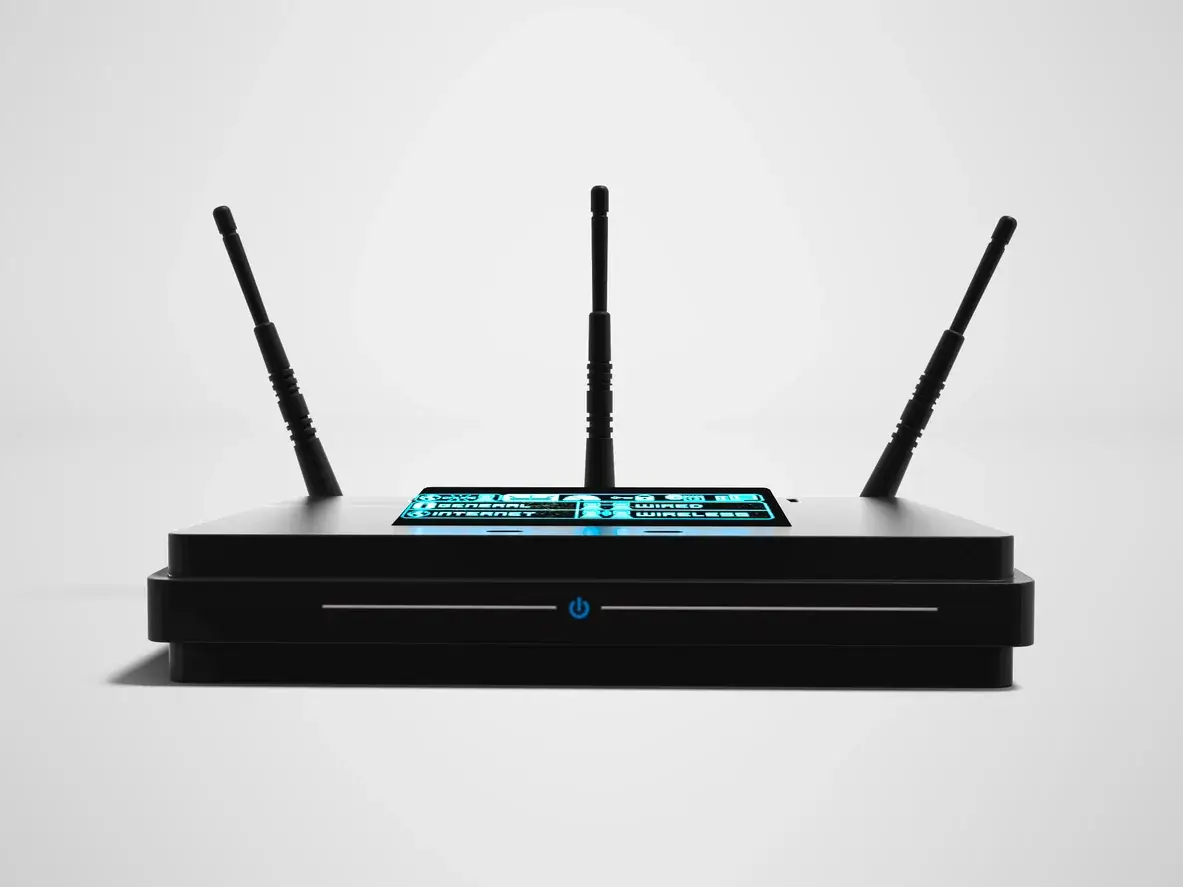 RentShow Wi-Fi, Hotspots, and ConnectivityCellular hotspots, routers, and network gear for show offices, hotel suites, off-site events, and booths where the venue and show allow them.
 RentShow Office and Breakout Room TechnologyLaptops, printers and copiers, projectors and screens, and two-way radios for show offices, speaker ready rooms, and breakout sessions.
Exhibitor questions
What should an exhibitor rent instead of shipping from the office?
Anything heavy, fragile, or easy to rent near the venue: TVs and monitors, stands, kiosks, charging stations, and extra iPads. Renting avoids freight weight on the way in and out, and the equipment arrives tested and ready for move-in.
How many iPads does a trade show booth need?
A common starting point is one iPad for every one or two staff members working the booth at the same time, plus one spare. Booths that run a demo or survey on a separate device add one per station.
What do I need to order from the show if I rent a booth TV?
Booth power from the show's electrical provider, sized for the screen and anything else on that outlet, and labor if the show requires venue staff to mount screens. Check whether your show requires outside vendors to be registered before a technician sets up in your booth.
Exhibitor guides
- Trade Show Booth Technology Checklist by Booth Size
An item-by-item list of the screens, lead capture devices, charging, connectivity, cables, and spares a booth needs, sized for 10x10 through island booths.
- Exhibitor Timeline: What to Order and When
A step-by-step timeline from booking your booth to returning rentals, with the show deadlines that affect technology orders.
- Lead Retrieval at Trade Shows: Apps, iPads, and Setup
How badge scanning works, how many iPads to plan, which stands and enclosures fit, and how to test lead capture before the show opens.
- Shipping to a Convention Center: Advance Warehouse or Direct
How advance warehouse and direct-to-show-site shipping work, what material handling covers, and how to plan outbound freight at move-out.
Exhibiting soon?
Tell us the show, venue, booth number, and dates. We will recommend the right booth and show technology and send a quote built around your move-in and move-out.