
Show Wi-Fi
Show Wi-Fi Rules: Hotspots, Venue Internet, and Exclusives
Why show floors limit hotspots and access points, what the typical rules look like, what to order instead, and where a hotspot still makes sense.
The short answer
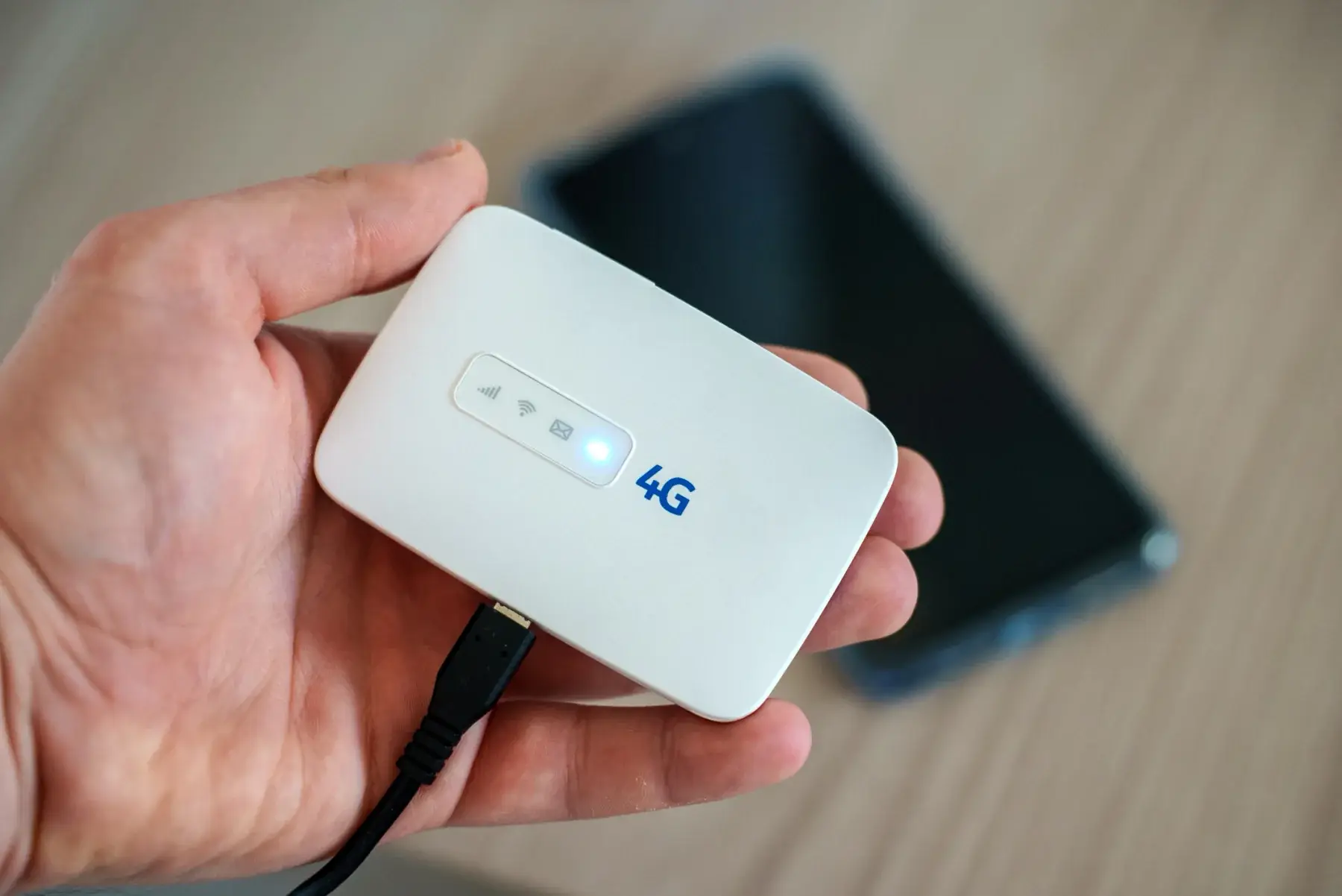
Many convention centers restrict or prohibit personal hotspots and wireless access points on the show floor because they interfere with the venue network and because an exclusive provider sells internet in the hall. ConventionVendor.com rents cellular hotspots for use where the venue and show allow them, and for show offices, hotels, off-site events, and backup. For the show floor itself, order wired internet or venue Wi-Fi through the exhibitor kit and check your exhibitor manual for the exact rules.
Last reviewed October 15, 2026 by the ConventionVendor.com rental team.
Why venues restrict hotspots and access points
Wi-Fi uses a limited number of radio channels, and every hotspot, access point, and phone in the hall shares them. When hundreds of exhibitors each switch on a hotspot, the devices interfere with one another and with the venue's own network, and connections slow down for everyone.
The venue network carries more than attendee browsing. Registration systems, lead retrieval sync, payment terminals, and show operations can all depend on it, so venues guard it closely.
Many venues also hold an exclusive contract with an in-house or appointed internet provider. Under that arrangement, supplying connectivity in the hall is reserved for the provider, which limits what exhibitors can bring.
Typical rules on the show floor
Rules differ from venue to venue and show to show, but they tend to follow a few patterns. Your exhibitor manual is the authority for your show, and some venues publish a separate network policy as well.
Phones that share their connection usually count as hotspots under these policies. Our convention center listings summarize the published rules we found for each venue, but if anything is unclear, ask show management or the venue's internet provider in writing.
- Personal hotspots, wireless routers, and access points prohibited in exhibit areas
- Hotspots allowed only with advance approval, a signed waiver, or a registration form
- Limits on transmit power, channels, or network names
- Venue staff monitoring the airwaves and asking exhibitors to switch off interfering devices
- Disconnection of a device, or of a booth's paid service, when the rules are not followed
What to order instead
Order through the exhibitor kit by the advance deadline, and list every device that will connect so the provider can size the service. If a demo needs a specific port, a static address, or a VPN connection, state that on the order.
Where a booth or event needs more than one connection type, split the load. Critical systems go on the wired service, and convenience traffic goes on Wi-Fi.
| Need | What to order | Where to order |
|---|---|---|
| Live demo or streaming video | Wired internet drop to the booth | Venue or show internet provider, through the exhibitor kit |
| Several tablets syncing leads | Booth Wi-Fi service or a provider-supplied access point | The same in-house provider, on its wireless order form |
| Registration counters | Wired connections for each station area | The official provider, ordered by show management |
| Show office or production office | Wired service, venue Wi-Fi, or a hotspot where allowed | Venue provider, or a rental where the venue permits it |
| Backup connection | Cellular hotspot, only if your show permits it | Rental company, checked against the exhibitor manual |
Where a rented hotspot is useful
Hotspots earn their place away from the exhibit floor. Show offices, press rooms, hotel suites, hospitality events, and off-site dinners often lack a dependable connection, and a hotspot gives a team its own secure network in minutes.
Where the venue and show allow it, a hotspot can also back up a booth or registration desk if the primary connection fails. Get approval first, and keep the device switched off until you need it.
Cellular coverage inside large halls can be weak, especially on lower levels or deep inside the building. Ask about coverage when you request a hotspot, and test signal strength as soon as you arrive.
Questions to ask before the show
Ask these questions as soon as you know what your booth or event will connect. Written answers help if a question comes up on the floor.
Share the answers with everyone who will bring a device, including vendors and booth staff. One unapproved hotspot can draw attention to the whole booth.
- Are personal hotspots or access points allowed in the exhibit hall, meeting rooms, or show office?
- Is approval, a waiver, or registration required, and by what date?
- Which connection types does the venue's provider sell, and what are the order deadlines?
- Can the provider supply a booth access point for several devices?
- Does the network allow VPN connections and the ports our demo needs?
- Who do we call on site if the connection fails?
If you are asked to turn off a device
Comply right away and then contact the service desk to discuss options. Disputes with venue network staff during show hours waste time and can put the booth's paid service at risk.
Have a fallback ready: downloaded videos, an offline demo, and a lead retrieval app that stores scans until it can sync. A booth that can run for an hour without internet will barely notice a connection problem.
Frequently asked questions
Why do convention centers limit personal hotspots?
Hotspots and access points share radio channels with the venue's network, and many of them in one hall cause interference that slows everyone down. Many venues also have exclusive internet contracts that reserve connectivity for one provider.
Does using my phone as a hotspot count under show Wi-Fi rules?
In most policies, yes, because a phone sharing its connection acts like any other hotspot. If hotspots are not allowed, use the phone's own connection without sharing it.
Where can I use a rented hotspot during a show?
In show offices, hotel rooms, hospitality suites, off-site events, and as a backup where the venue and show allow it. Check the show's rules for any room inside the convention center before switching it on.
What should I order if I need internet for several booth tablets?
Ask the venue's internet provider for booth Wi-Fi service or a provider-supplied access point sized for your device count. If one of those tablets runs a critical demo, add a wired drop at that station.
Rentals for this
- Show Wi-Fi, Hotspots, and Connectivity
Cellular hotspots, routers, and network gear for show offices, hotel suites, off-site events, and booths where the venue and show allow them.
- Show Office and Breakout Room Technology
Laptops, printers and copiers, projectors and screens, and two-way radios for show offices, speaker ready rooms, and breakout sessions.
- Booth Tech Kits: Lead Capture iPads, Screens, and Charging
iPads for lead capture, a monitor on a stand, and a charging station, packed as one kit for your booth and delivered for move-in.
Read next
- How Booth Power and Internet Work at Convention Centers
Who provides booth power and internet, how to estimate watts, where to place outlets, and when to choose wired, venue Wi-Fi, or a hotspot.
- Lead Retrieval at Trade Shows: Apps, iPads, and Setup
How badge scanning works, how many iPads to plan, which stands and enclosures fit, and how to test lead capture before the show opens.
- Planning Show Registration and Badge Printing
How to size registration stations for peak arrival, choose kiosks or staffed counters, plan badge printers and spares, and set up the network.
Want us to plan it with you?
Send the show, venue, booth size, and dates. We will recommend the equipment and quote the complete setup, delivered around your move-in.