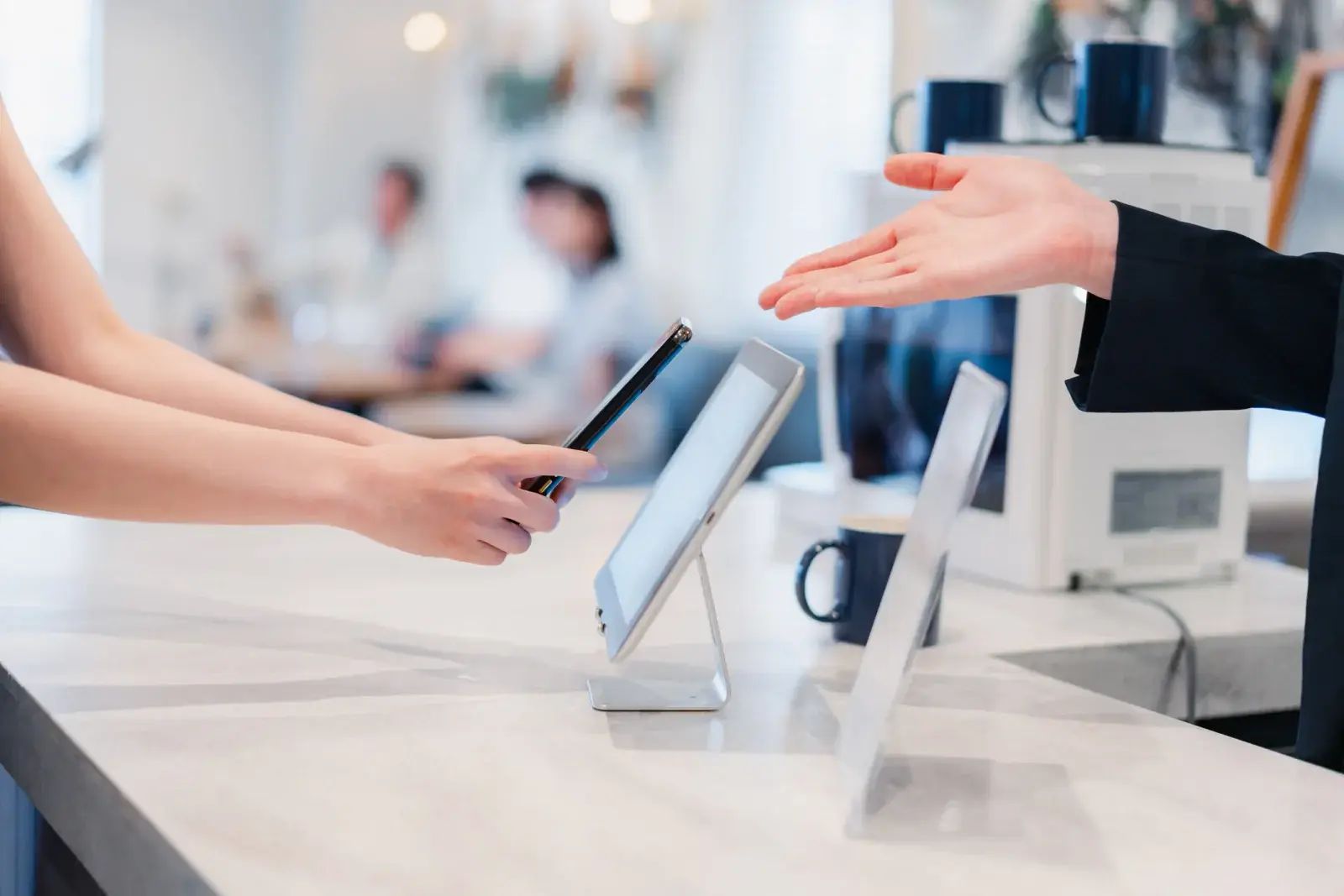
Booth Tech Kits: Lead Capture iPads, Screens, and Charging
iPads for lead capture, a monitor on a stand, and a charging station, packed as one kit for your booth and delivered for move-in.


Organized by what your booth needs
Start with the job, not the device. Capture leads, draw a crowd, check people in, keep phones charged, and stay online, with equipment delivered and planned around your show's move-in.
Six ways to equip a show
Exhibiting? Most booths start with a booth tech kit. Running the show? Start with registration and badge printing.
iPads for lead capture, a monitor on a stand, and a charging station, packed as one kit for your booth and delivered for move-in.
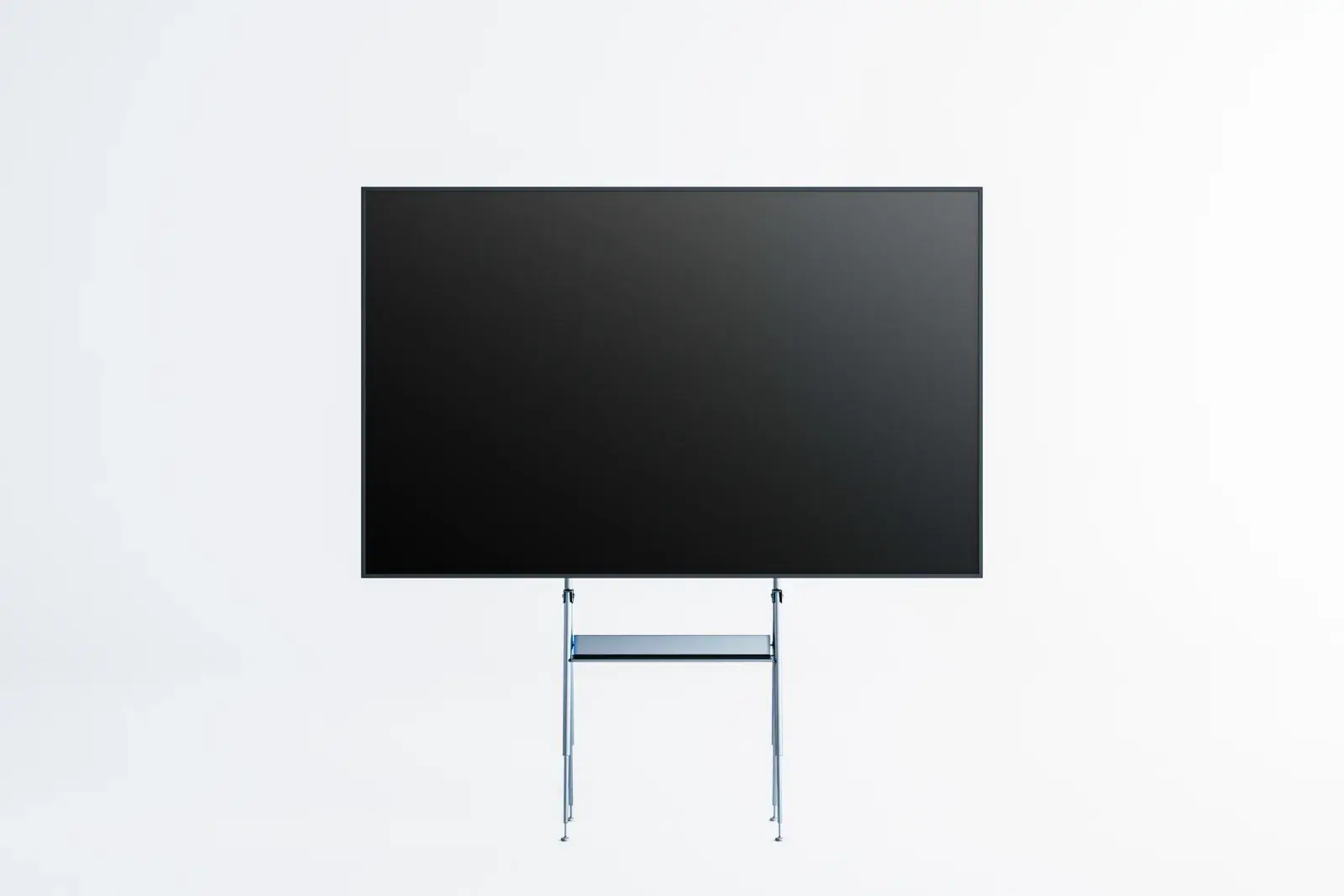
TVs and commercial displays on floor stands or truss mounts, and LCD video walls, sized so your message reads from the aisle.
Check-in stations, self-service kiosks, and badge printers for the front door of your show, with spares and support for the first morning rush.
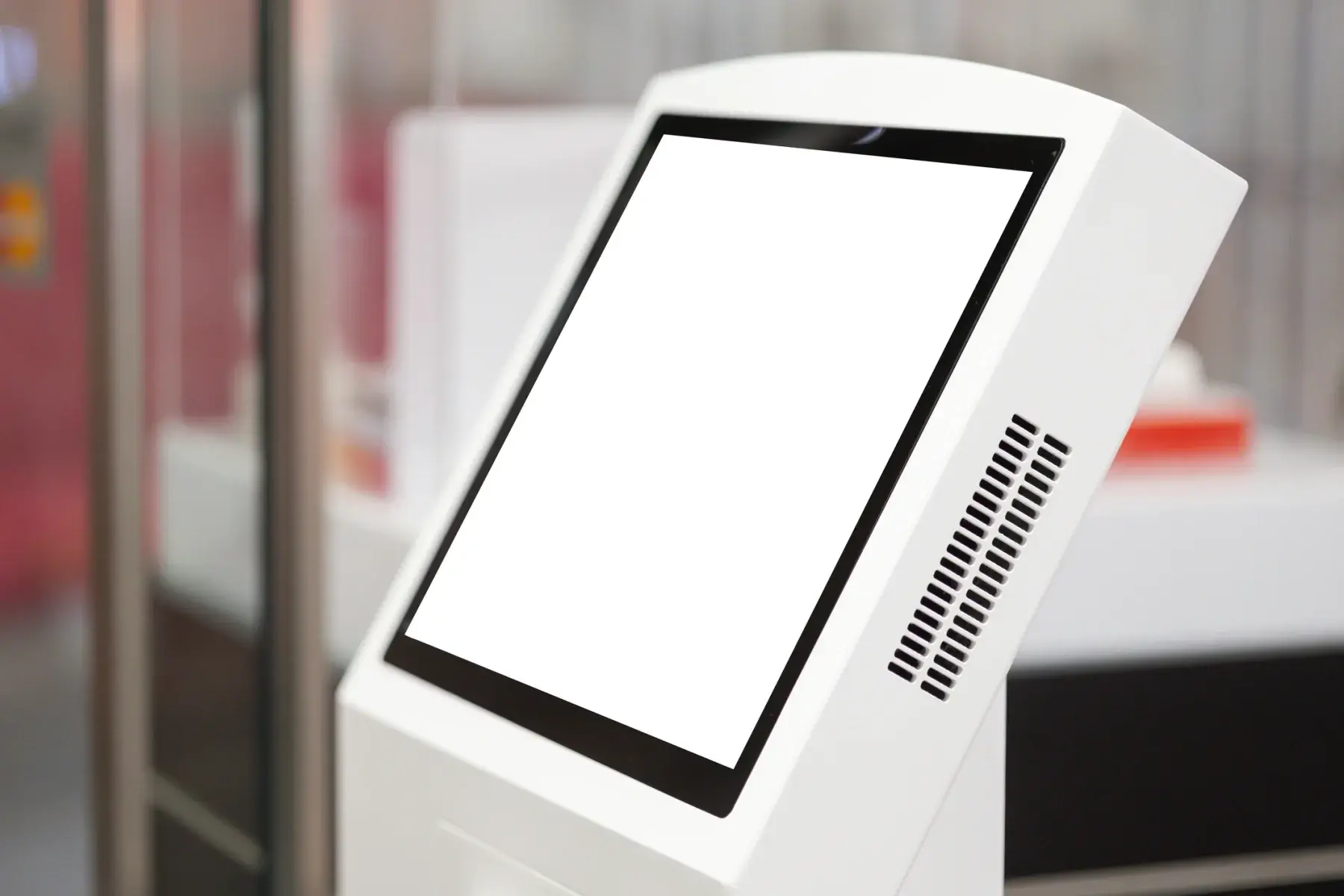
Freestanding touchscreen kiosks for product demos, surveys and lead forms, wayfinding, and self check-in, ready for your content.
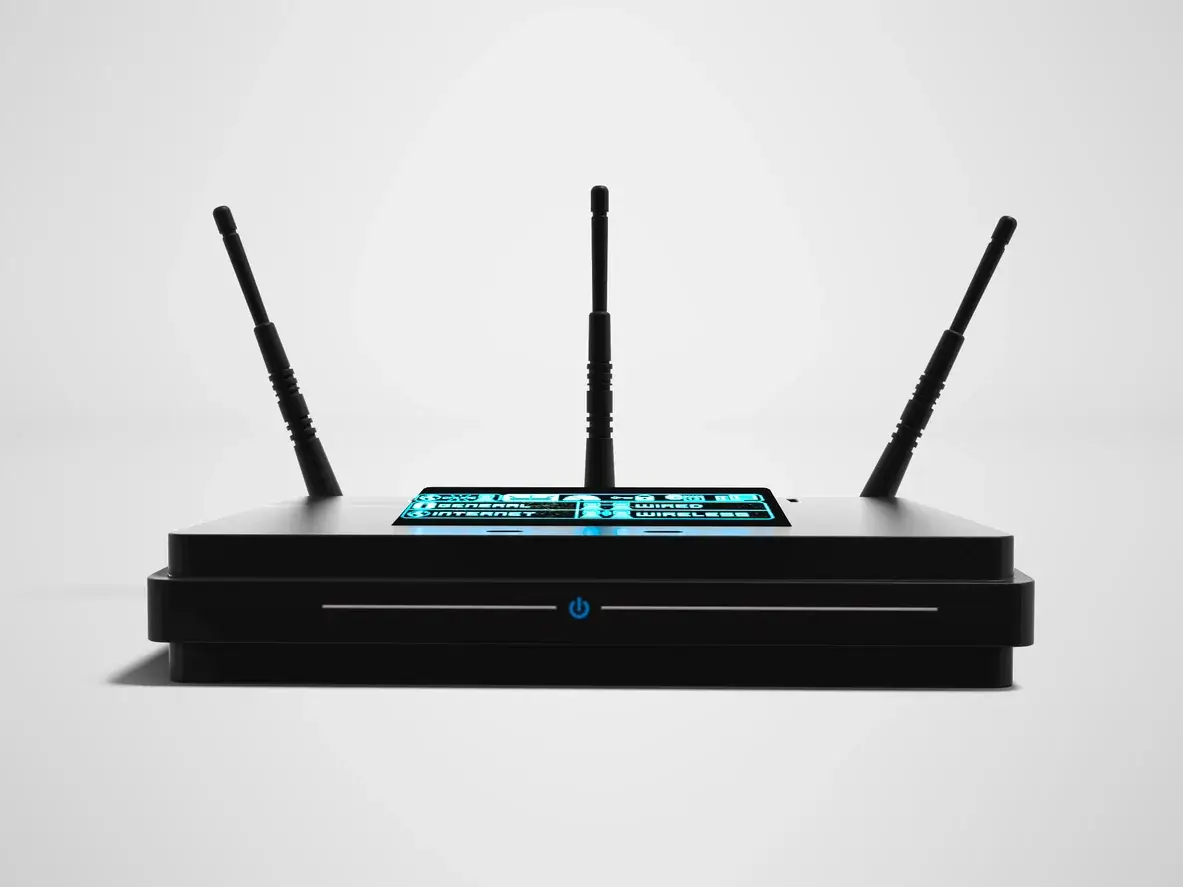
Cellular hotspots, routers, and network gear for show offices, hotel suites, off-site events, and booths where the venue and show allow them.

Laptops, printers and copiers, projectors and screens, and two-way radios for show offices, speaker ready rooms, and breakout sessions.
How show rentals differ
Convention centers set their own rules for power, internet, and who can work on the floor. Booth power and wired internet are ordered from the venue's official providers, and many shows ask you to register outside vendors in advance.
We plan your rental around those rules and your move-in window, so the equipment arrives when your booth is ready for it. Read how booth power and internet work before you order.
iPads and tablets for lead capture, booth TVs and monitors on stands, video walls, charging stations, touchscreen kiosks, registration and badge printing stations, Wi-Fi hotspots where the show allows them, and laptops, printers, projectors, and radios for show offices and breakout rooms.
Yes. Tell us your booth size, how many staff will work it, and what you want visitors to do, and we will put together one itemized quote with the devices, stands, charging, and cables your booth needs.
No. ConventionVendor.com rents to businesses and organizations: exhibiting companies, show organizers, associations, agencies, and AV and service contractors.
Tell us the show, venue, booth number, and dates. We will recommend the right booth and show technology and send a quote built around your move-in and move-out.