
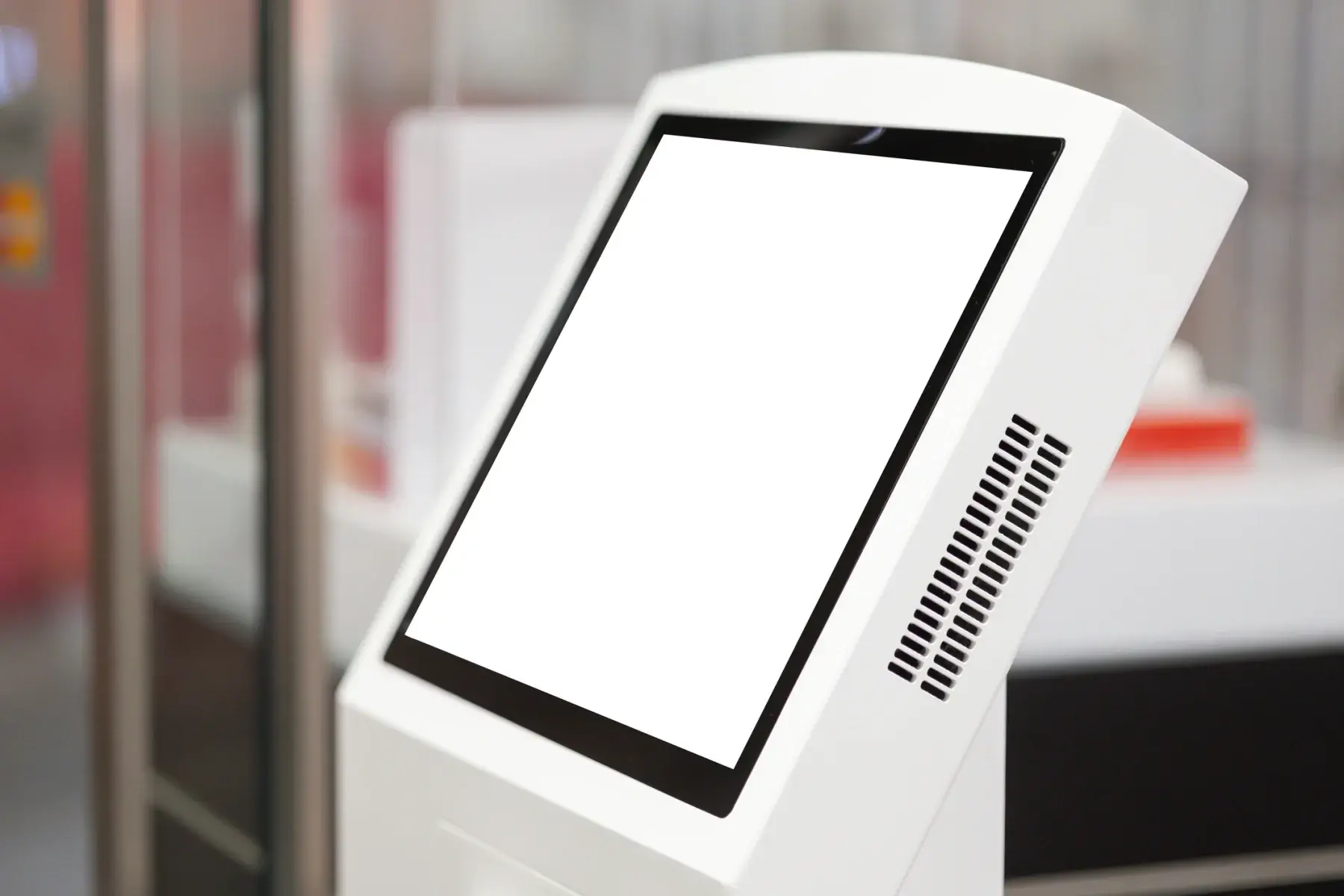
Let visitors serve themselves
Touchscreen Kiosks for Booths and Shows
Freestanding touchscreen kiosks for product demos, surveys and lead forms, wayfinding, and self check-in, ready for your content.
At a glance
A trade show kiosk is a freestanding touchscreen that visitors use on their own, for a product selector, a survey or lead form, a sign-up, wayfinding, or self check-in. ConventionVendor.com rents booth and show-floor kiosks ready for your web page or app, with optional printers or scanners, delivered for move-in.
A booth staffer that never takes a break
When your booth is busy, a kiosk lets visitors explore on their own: answer a few questions, browse products, watch a demo, or leave their details. Staff can then step in with the right conversation.
Show organizers use kiosks too: wayfinding near entrances, session schedules, sponsor content, and self-service registration. A freestanding kiosk fits where a table would block traffic.
Most kiosks run a web page or app in a locked full-screen mode so visitors stay on your content. Tell us what will run on the kiosk and we will set it up that way.
| Placement | The open edge of the booth, angled toward the aisle |
|---|---|
| Power | One standard outlet per kiosk, from your booth electrical order |
| Content | Your web page or app in a locked full-screen mode |
| Connectivity | Offline-capable forms avoid relying on show-floor Wi-Fi |
| Add-ons | Barcode or QR scanner, small printer |
General guidance. Your quote confirms the exact equipment for your booth, show, and dates.
Popular packages
Common kiosk uses
Starting points our team adjusts to your booth size, traffic, and show rules. Every quote is itemized.
Booth engagement kiosk
Product selectors, quizzes, and lead forms in the booth.
- Freestanding touchscreen kiosk
- Locked full-screen mode for your page
- Optional badge or QR scanner
- Power cable for your booth outlet
Survey and sign-up station
Collecting feedback or sign-ups with minimal staff time.
- Tablet kiosk or touchscreen kiosk
- Secure enclosure
- Offline-capable form setup where needed
- Signage area
Show-floor information kiosk
Wayfinding, schedules, and sponsor content in public areas.
- Large-format touchscreen kiosk
- Portrait layout for maps
- Sponsor branding area
- Delivery to the public area
- Engagement at peak traffic
- Visitors start on their own while staff are busy, so fewer walk away.
- Cleaner lead data
- Visitors type their own details into your form, which reduces errors from rushed notes.
- Small footprint
- A freestanding kiosk needs a few square feet and one outlet, and works at booth corners where tables would block the aisle.
- Reusable for sponsors
- Show organizers can offer kiosk screens as sponsor placements in public areas.
Kiosks on the show floor
Decide early whether the kiosk needs internet. A form that syncs later can run offline, which avoids problems at venues that restrict hotspots or where shared Wi-Fi is busy. Live content needs a reliable connection from the venue's provider.
Place kiosks at the open edge of the booth, angled toward the aisle, with a clear line of sight from staff. Plan the outlet location on your electrical order so the power cord does not cross a walkway.
For public-area kiosks, check with show management and the venue about placement, fire lanes, and power in common areas.
What to tell us
- What will run on the kiosk
- Booth or public-area placement
- Scanner or printer needed?
- Internet needed, or offline?
- Show and move-in dates
Frequently asked questions
Can a kiosk run our website or app?
Yes. Most booth kiosks run a web page or app in a locked full-screen mode. Send us the address or app name and we will set the kiosk to open it and keep visitors on it.
Can a kiosk scan badges?
Kiosks can be paired with a barcode or QR scanner. If you need the show's official lead retrieval data, check with the show's lead retrieval provider, since badge data formats are usually set by the show.
Does a kiosk need internet at the show?
Only if your content needs a live connection. Many forms and demos can run offline and sync afterward, which is useful at venues with strict wireless rules.
What size kiosks are available?
Tablet-based kiosks work well for forms and surveys. Larger freestanding touchscreen kiosks suit product selectors, maps, and content meant to be seen from a few steps away.
Plan the rest of your booth
- Booth Tech Kits: Lead Capture iPads, Screens, and Charging
iPads for lead capture, a monitor on a stand, and a charging station, packed as one kit for your booth and delivered for move-in.
- Registration, Check-In, and Badge Printing
Check-in stations, self-service kiosks, and badge printers for the front door of your show, with spares and support for the first morning rush.
- Booth TVs, Monitors, and Video Walls
TVs and commercial displays on floor stands or truss mounts, and LCD video walls, sized so your message reads from the aisle.
Exhibitor and planner guides
- Trade Show Booth Technology Checklist by Booth Size
An item-by-item list of the screens, lead capture devices, charging, connectivity, cables, and spares a booth needs, sized for 10x10 through island booths.
- Show Wi-Fi Rules: Hotspots, Venue Internet, and Exclusives
Why show floors limit hotspots and access points, what the typical rules look like, what to order instead, and where a hotspot still makes sense.
- Planning Show Registration and Badge Printing
How to size registration stations for peak arrival, choose kiosks or staffed counters, plan badge printers and spares, and set up the network.
Convention centers we deliver to
- San Diego Convention Center
Waterfront exhibit halls on Harbor Drive with more than half a million square feet of contiguous space, home to Comic-Con International.
- Colorado Convention Center
Denver's downtown convention center, with 576,700 contiguous square feet of exhibit and event space, in-house utilities, and Smart City Networks as the exclusive internet provider.
- Georgia World Congress Center
Downtown Atlanta's three-building campus beside Centennial Olympic Park, with Edlen electrical, CCLD Networks internet, and 72 loading docks.
- Los Angeles Convention Center
Two-building downtown complex in the L.A. Live district with 720,000 square feet of exhibit space and an expansion under construction.
- Miami Beach Convention Center
A renovated single-building venue in Miami Beach's City Center with a contiguous four-hall exhibit floor, Smart City internet, and tight dock capacity.
- Music City Center
Nashville's downtown convention center, with 353,143 square feet across Exhibit Halls A-D and in-house electrical and technology services.
Ready to plan your booth?
Tell us the show, venue, booth number, and dates. We will recommend the right booth and show technology and send a quote built around your move-in and move-out.