
Booth displays
Booth TV and Display Size Guide for Trade Show Exhibitors
How to choose booth screen size by booth size and viewing distance, how high to mount it, and when a 2x2 video wall makes sense.
The short answer
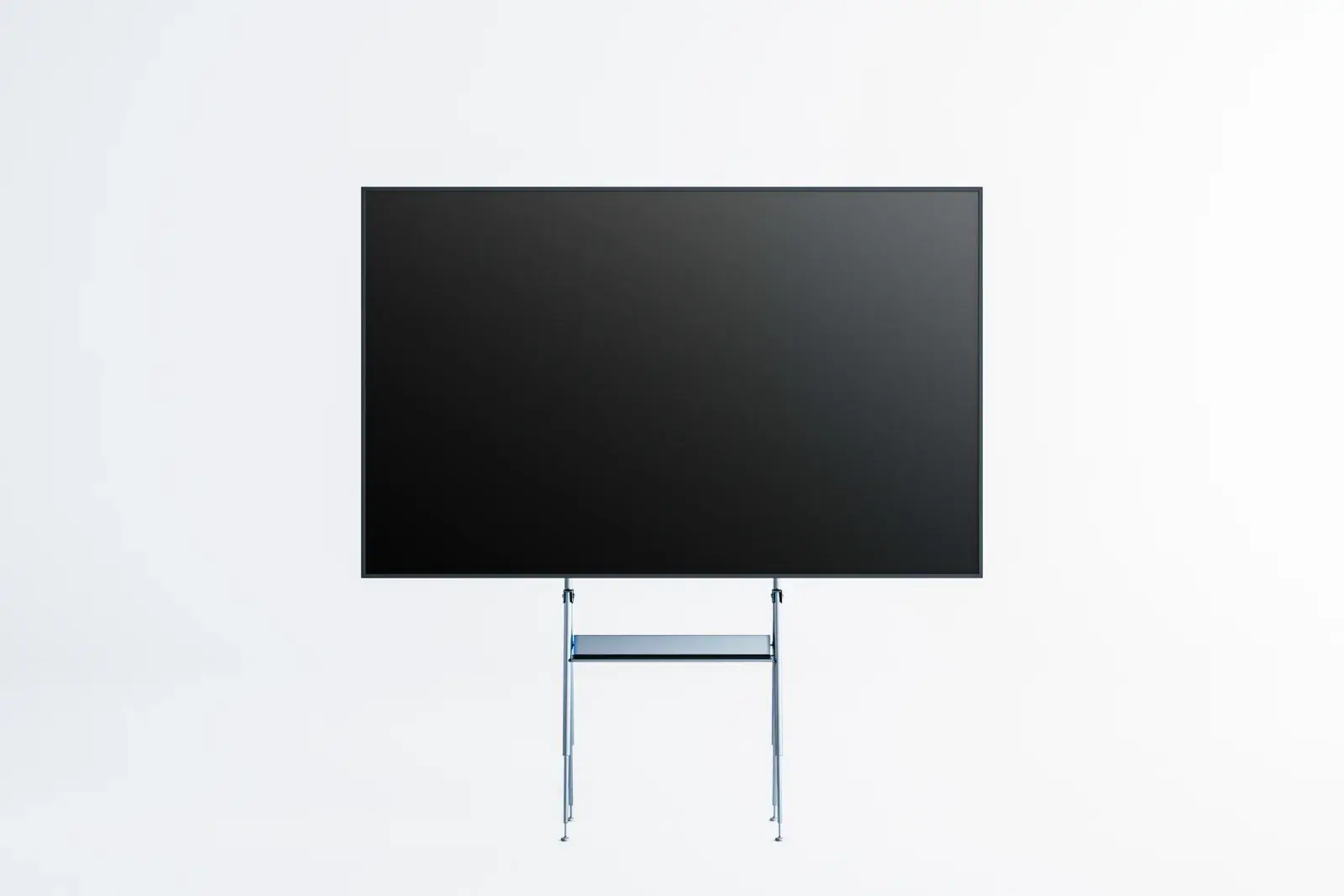
A common starting point is a 55-inch display for a 10x10 booth, a 65-inch for a 10x20, and a 75-inch screen or a video wall for islands and larger booths, mounted with the bottom edge about 5-6 feet or higher so it clears heads in the aisle. ConventionVendor.com can supply booth displays on floor stands or truss mounts, as well as 2x2 video walls. Go larger when visitors need to read text from the aisle rather than watch video up close.
Last reviewed October 15, 2026 by the ConventionVendor.com rental team.
Screen size by booth size
Booth size gives a fast first answer because it sets how far most visitors stand from the screen. Inline booths are viewed mostly from the aisle in front, while corner, peninsula, and island booths are seen from several sides and from farther away.
Use the table as a starting point, then check it against viewing distance and your show's height rules. A booth built around a hands-on demo may need a smaller screen at the counter as well as a larger one overhead.
| Booth type | Typical screen | Common placement |
|---|---|---|
| 10x10 inline | 43-55 inch | One display on a floor stand at the back wall or beside the counter |
| 10x20 inline | 55-65 inch | One central display, or two displays at opposite ends |
| Corner or peninsula | 55-65 inch, one per open side | Displays angled toward each aisle |
| Island (20x20 and larger) | 75 inch and up, or a 2x2 video wall | Raised on truss or a tall stand so it reads from across the hall |
Viewing distance and readability
A common rule for comfortable video viewing is a distance of about 1.5 to 2.5 times the screen's diagonal. For a 55-inch display that works out to roughly 7 to 11.5 feet, which matches a visitor standing at the edge of a 10x10 booth.
Text is a different test. If people should read a headline or product name from across the aisle, size the screen and the type for that distance rather than for comfortable video viewing.
| Screen size | Approximate comfortable range | Fits |
|---|---|---|
| 43 inch | About 5.5-9 feet | Counter displays and small inline booths |
| 55 inch | About 7-11.5 feet | 10x10 booths and demo stations |
| 65 inch | About 8-13.5 feet | 10x20 booths and booth corners |
| 75 inch | About 9.5-15.5 feet | Peninsula and island booths |
| 2x2 wall of 55-inch panels (about 110 inches) | About 14-23 feet | Island booths seen from across the aisle |
Mounting height and sight lines
When the aisle fills, a screen at eye level disappears behind the first row of visitors. A common starting point is to place the bottom edge about 5 to 6 feet off the floor, or higher in island booths that must be seen from across the hall.
Inline booths usually have a back wall height limit and line-of-sight rules for anything near the aisle, and those limits vary by show. Check them before choosing a tall floor stand or truss mount, especially for 65-inch and larger displays.
Demo screens are the exception, because a staffer and a visitor stand close and look at them together. Keep those at counter or eye height and leave the raised display for the attract loop.
Portrait or landscape
Landscape suits video, product demos, and most presentation software, since that content is usually produced in a 16:9 widescreen shape. It is the safe default when the same file runs on several screens.
Portrait works well for tall graphics, a life-size product or person, service menus, and digital signage at the booth entrance. It needs content designed for the vertical shape, because widescreen video turned sideways leaves large empty bands.
Not every stand or mount supports portrait orientation. Mention it in your quote request so the right hardware arrives with the screen.
Video wall basics
A 2x2 video wall combines four displays into one larger image, and four 55-inch panels produce an image roughly 110 inches diagonal. It reads from much farther away than a single screen and makes a strong centerpiece for island and peninsula booths.
Content in 4K resolution maps neatly onto a 2x2 wall of 1080p panels, since each panel shows one quarter of the image. Expect thin seams where the panels meet, and keep important text and faces away from the center lines.
A video wall needs a sturdy stand or truss, a controller or media player that splits the image, and power for every panel. Plan it with your booth builder early, because it affects both the structure and the electrical order.
Brightness under hall lighting
Exhibit halls are lit from above by bright work lights, and some add daylight from skylights or open dock doors. Commercial displays are typically brighter than home TVs and hold up better in that light, especially with a matte finish.
Avoid aiming a screen straight at a bright light or a glass wall, where reflections can wash out the picture. If a display looks dim during move-in, check its brightness and energy-saving settings before assuming the screen is at fault.
Content tips for booth screens
Content matters as much as the hardware. Most visitors glance at a booth screen for a few seconds while walking, so the message has to land quickly.
Tell us how the content will play, whether from a USB drive, a laptop, or a small media player, so the screen arrives ready for it. A test run on the same display model before the show catches formatting surprises.
- Make the main message readable in a few seconds
- Keep the attract loop short; a common starting point is 30 seconds to 2 minutes before it repeats
- Use large type, high contrast, and only a few words per screen
- Design for no sound, with captions on any video that relies on speech
- Show your company name and booth offer often, not just at the start
Frequently asked questions
How high should a booth TV be mounted?
A common starting point is a bottom edge about 5 to 6 feet above the floor so the screen stays visible over people in the aisle. Check your show's height and line-of-sight rules first, especially in inline booths.
Is a video wall better than one large TV?
A 2x2 video wall gives a much larger image and draws attention from farther away, but it needs more power, a stronger stand, and content planned around the seams. For a 10x10 or 10x20 booth, a single display is usually the better fit.
Can a booth display run in portrait orientation?
Yes, with a stand or mount that supports it and content made for a vertical screen. Ask for portrait when you request a quote so the correct mounting hardware is included.
How long should a booth video loop be?
Aim for roughly 30 seconds to 2 minutes, because most visitors watch for only a moment as they pass. Put the key message early and repeat your company name throughout.
Rentals for this
- Booth TVs, Monitors, and Video Walls
TVs and commercial displays on floor stands or truss mounts, and LCD video walls, sized so your message reads from the aisle.
- Booth Tech Kits: Lead Capture iPads, Screens, and Charging
iPads for lead capture, a monitor on a stand, and a charging station, packed as one kit for your booth and delivered for move-in.
- Touchscreen Kiosks for Booths and Shows
Freestanding touchscreen kiosks for product demos, surveys and lead forms, wayfinding, and self check-in, ready for your content.
Read next
- Trade Show Booth Technology Checklist by Booth Size
An item-by-item list of the screens, lead capture devices, charging, connectivity, cables, and spares a booth needs, sized for 10x10 through island booths.
- How Booth Power and Internet Work at Convention Centers
Who provides booth power and internet, how to estimate watts, where to place outlets, and when to choose wired, venue Wi-Fi, or a hotspot.
Want us to plan it with you?
Send the show, venue, booth size, and dates. We will recommend the equipment and quote the complete setup, delivered around your move-in.